Pinterest Hashtag Generator – Best Hashtags for Pinterest in 2026
Pinterest is a search engine disguised as a mood board. People do not just scroll past Pins — they search for ideas, save them to boards, and come back to them weeks later when they are ready to decorate a room, plan a meal, or start a project. Hashtags help Pinterest understand what a Pin is about, so the right tags can put your Pin in front of people who are actively looking for exactly that idea.
This guide covers everything you need: whether hashtags still work on Pinterest in 2026, how many to use, how to find the best hashtags for Pinterest, and how to generate fresh ones in seconds with our free Pinterest Hashtag Generator. No sign-up, no cost — just enter your topic and get 8 relevant hashtags per search.
What Is a Pinterest Hashtag Generator?
A Pinterest hashtag generator is a tool that creates hashtag suggestions for your Pin topic. Instead of guessing or copying the same tags everyone else uses, you enter what your Pin is about — for example “minimalist bedroom ideas”, “boho living room decor”, or “easy weeknight dinners” — and the tool returns a set of hashtags matched to that topic.
Our Pinterest Hashtag Generator is free and needs no sign-up. You type your topic, click Generate, and get 8 hashtags you can copy straight into your Pin description. Eight is a practical number: it is enough to cover your topic from a few angles without turning your description into a wall of tags.
Do Hashtags Still Work on Pinterest in 2026?
Yes, hashtags still work — but they work differently from other platforms. Pinterest is built around search and saving, not fast-moving feeds. A Pin can keep getting discovered long after you publish it, which means tags that genuinely describe your Pin keep working for you over time.
What matters most is relevance. Tags that match your Pin’s actual topic help Pinterest connect it with the right searches and the right boards. Copying the same big, generic tags on every Pin does not help — a smaller, focused set that describes what is actually in the Pin performs better, and it reads better for the person deciding whether to save it. Hashtags will not rescue a weak Pin on their own — a clear image and a useful description still do the heavy lifting — but the right tags give a good Pin a better chance to be found by the right people.
How Many Hashtags Should You Use on Pinterest?
Pinterest Pins are not the place for a long list of tags. Your description should read like a helpful note about the Pin, not a keyword dump. A focused set works best — and that is exactly why our tool returns 8 hashtags per search: enough to cover your topic, without the clutter.
A good rule of thumb:
- Use tags that describe your topic, your style, and your audience — not just the biggest tags you can find.
- Mix tag sizes: a few broader tags (like your field), plus more specific ones (like your exact idea). Specific tags have less competition and reach people looking for precisely that thing.
- Change your set between Pins. Repeating the exact same tags on every Pin wastes the chance to reach different searches.
- Keep them relevant. If a tag does not describe your Pin, leave it out — irrelevant tags do not help and can confuse what your Pin is about.
If you are unsure where to start, generate a set with the free tool, then keep only the tags that fit your Pin. That gives you a relevant starting point in seconds.
How to Find the Best Hashtags for Pinterest
Finding good hashtags is a skill, and it gets easier with a simple process:
1. Start with your topic, not with popular tags. Write down what your Pin is actually about in one or two words. That topic is your seed — everything else follows from it.
2. Use a generator for fresh ideas. Enter your topic into the Pinterest Hashtag Generator and get a fresh set instantly. Try slightly different wordings of your topic if you want a second set of ideas.
3. Use Pinterest search. Typing your topic into Pinterest search shows related terms and popular Pins. This helps you learn the vocabulary people actually use when they look for ideas like yours.
4. Check what works in your niche. Look at well-saved Pins in your area and notice which tags they use — not to copy them blindly, but to learn how that niche describes itself.
5. Mix popular, niche, and specific tags. A healthy set covers your topic from more than one angle: your field, your exact idea, and your audience. Avoid tags that are banned or associated with spam — those can limit your Pin instead of helping it.
Best Hashtags for Pinterest by Category
Different Pins call for different tags. The lists below are starting ideas you can adapt to your topic — always keep the ones that genuinely fit your Pin and drop the rest.
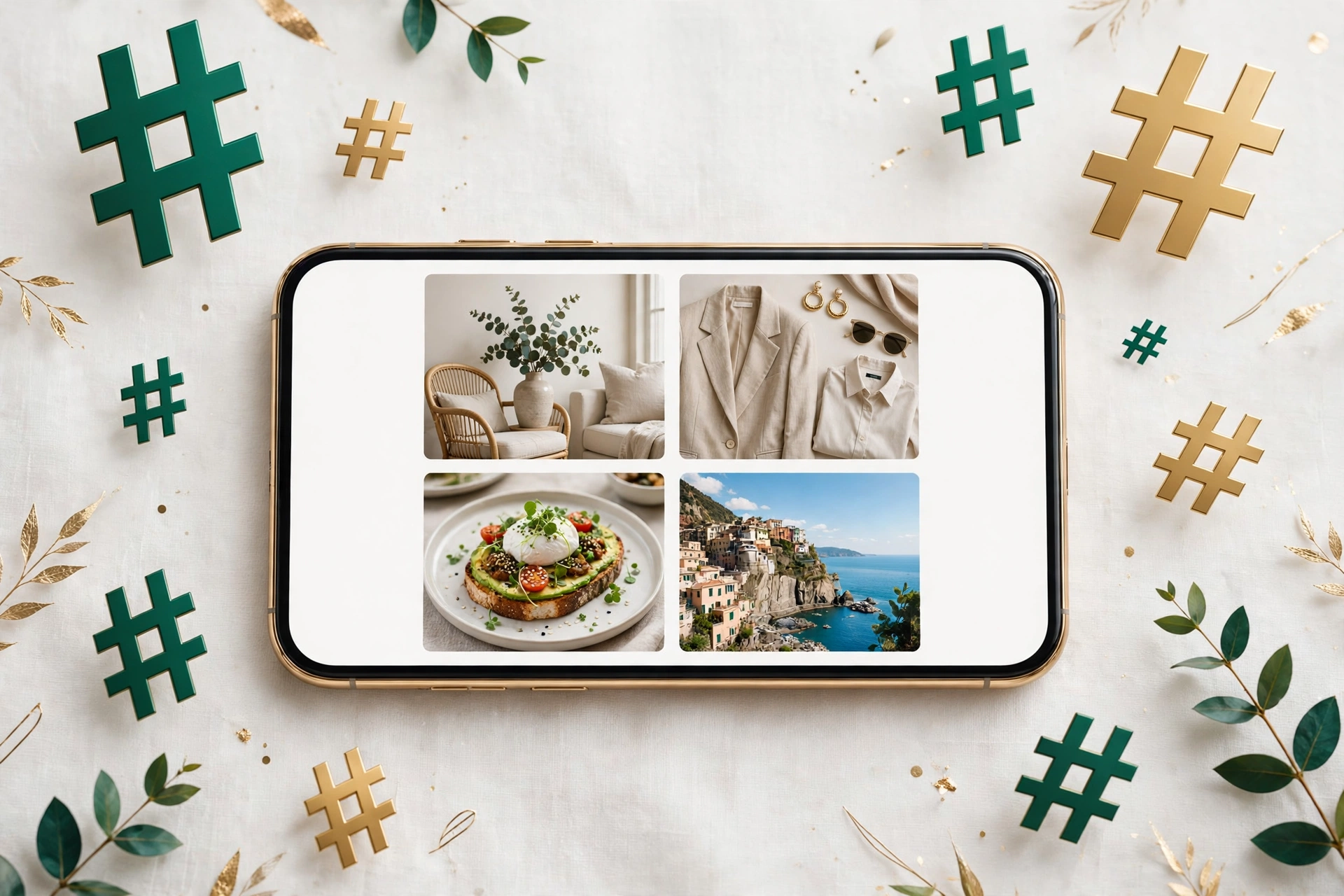
Home Decor: For home decor Pins, start with tags around your decor topic — for example, tags like #homedecor and #interiordesign — and add more specific ones for your exact idea, such as your room, your style, or your colour palette. Specific decor tags reach people planning that exact room.
Fashion: For fashion Pins, start with tags around your fashion topic — for example, tags like #fashion and #outfitideas — and add ones for your style, season, or occasion. Tags that match your fashion angle bring readers who care about that look.
Food: For food Pins, start with tags around your food topic — for example, tags like #food and #recipes — and add ones for your dish, cuisine, or occasion, such as weeknight dinners or baking. The best food tags describe the dish, not just the word food.
Travel: For travel Pins, start with tags around your travel topic — for example, tags like #travel and #wanderlust — and add ones for your destination, trip type, or season. Destination tags help your Pin reach people planning that trip.
DIY & Crafts: For DIY and craft Pins, start with tags around your project — for example, tags like #diy and #crafts — and add ones for your material, technique, or project type. Project-specific tags reach makers looking for that exact idea.
Beauty: For beauty Pins, start with tags around your beauty topic — for example, tags like #beauty and #makeup — and add ones for your look, product type, or routine. Tags that match your beauty angle connect your Pin with people trying that look.
The fastest way to build a set for your own topic is to generate one: enter your topic in the Pinterest Hashtag Generator and you will have 8 tailored suggestions in seconds, ready to copy.
How to Use the Free Pinterest Hashtag Generator Tool
Using the tool takes less than a minute:
- Open the Pinterest Hashtag Generator.
- Type your topic in the box — for example “minimalist bedroom ideas”.
- Click “Generate Hashtags” and wait a moment for your 8 hashtags.
- Click “Copy All” and paste the ones that fit into your Pin description.
Tips: try a different wording of your topic if you want a fresh set; generate a new set for each Pin instead of reusing one set everywhere; and always remove any tag that does not fit the Pin before publishing — on Pinterest, a shorter, relevant set reads better and ages better.
Common Hashtag Mistakes to Avoid
- Using irrelevant tags. Tags that do not match your Pin confuse the system and annoy the audience they reach.
- Repeating the same set on every Pin. Vary your tags so each Pin can reach a slightly different search.
- Only using huge tags. The biggest tags have the most competition. Smaller, specific tags often bring more interested savers.
- Stuffing the description with tags. A description that is all tags helps nobody. Write a useful description first, then add the tags that fit.
- Expecting hashtags to do all the work. Tags help discovery, but the Pin itself — the image, the idea, the description — is what makes people save it and come back.
Frequently Asked Questions
How many hashtags should I use on Pinterest? A smaller focused set works best. Our tool returns 8 per search, and you can use fewer than all 8 — keep the ones that fit your Pin best and drop the rest.
Do hashtags still work on Pinterest in 2026? Yes. Hashtags still help Pinterest understand and surface your Pins, but relevance matters more than ever. Focused, on-topic tags outperform long lists of random popular ones — and because Pins keep being discovered over time, good tags keep paying off.
How do I find trending hashtags on Pinterest? Start with your topic, generate a set with a hashtag tool, check related terms in Pinterest search, and watch what well-saved Pins in your niche use. Combine that with tags specific to your Pin.
How do I create a hashtag on Pinterest? Simply type # followed by your word or phrase (no spaces) in a Pin description — for example #minimalistbedroom. Your tag is created the moment you publish the Pin, and anyone can then tap it to find related Pins.
Can AI generate hashtags for Pinterest? Yes. AI hashtag tools take your topic and suggest tags matched to it, which is much faster than brainstorming from scratch. You should still review the suggestions and keep only the ones that fit your Pin.
Conclusion
The best Pinterest hashtag strategy in 2026 is simple: relevant over random, focused over long, and fresh over repeated. Start with your topic, build a set that genuinely describes your Pin, and let a tool do the heavy lifting.
Try it now: open the free Pinterest Hashtag Generator, enter your topic, and get 8 fresh hashtags for your next Pin — no sign-up needed.